
Quick Setup Guide for Your AI Receptionist Service
Getting Started with Your AI Receptionist Service
Welcome to the future of customer interaction! Setting up an AI receptionist can revolutionize the way your business handles customer inquiries, appointment scheduling, and more. In this guide, we'll walk you through the quick and easy steps to get your AI receptionist up and running in no time.
Before diving in, ensure you have all the necessary tools and resources ready. Having a clear understanding of your business requirements will help you customize your AI receptionist to fit your specific needs. Let's get started!
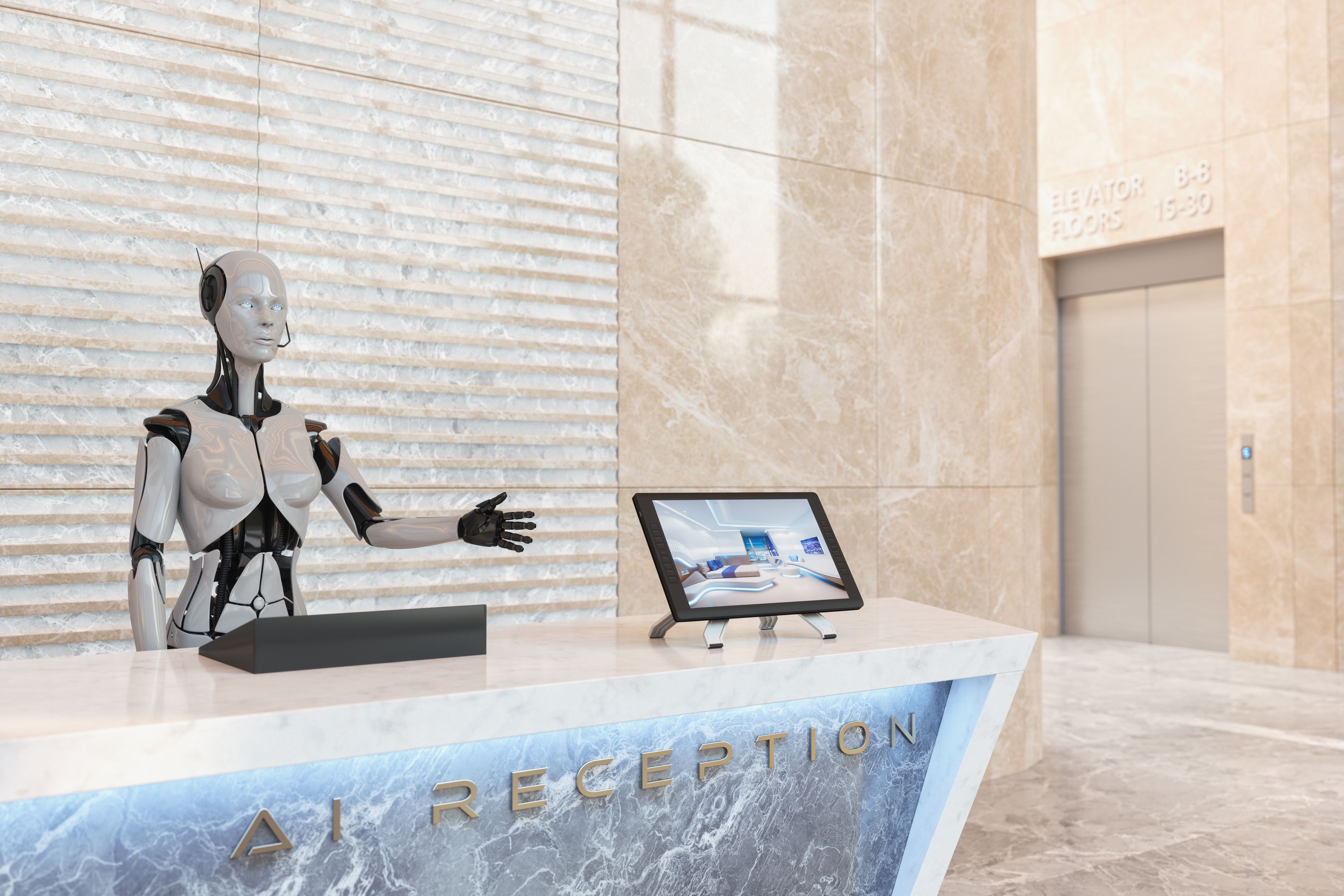
Step 1: Choose Your AI Receptionist Platform
The first step in setting up your AI receptionist is selecting the right platform. There are several options available, each with unique features and pricing plans. Consider factors such as ease of use, integration capabilities, and customer support when making your decision. Popular platforms include Drift, Intercom, and Zendesk.
Once you've chosen a platform, sign up for an account and familiarize yourself with the dashboard. Most platforms offer a free trial period, so take advantage of this time to explore features and functionalities.
Step 2: Configure Basic Settings
After selecting your platform, it's time to configure the basic settings of your AI receptionist. Start by setting up your business profile, which includes adding your company name, logo, and contact information. This ensures that your AI receptionist reflects your brand identity.
Next, configure the language and tone of your AI receptionist. You can often customize responses to match your brand's voice, whether it's friendly and casual or formal and professional. Remember, consistency is key in maintaining a strong brand image.

Step 3: Integrate with Existing Systems
To maximize the efficiency of your AI receptionist, integrate it with your existing systems. This may include linking it to your customer relationship management (CRM) software, email marketing tools, or calendar applications. Integration ensures seamless communication between systems and provides a comprehensive view of customer interactions.
Most platforms offer easy integration options with popular tools like Salesforce, HubSpot, and Google Calendar. Follow the platform's instructions to connect these systems and ensure everything is working correctly.
Step 4: Customize Responses and Scripts
One of the most powerful features of an AI receptionist is its ability to handle various customer inquiries automatically. Customize the responses and scripts to address common questions and scenarios unique to your business. This might include frequently asked questions, appointment booking processes, or order tracking information.
Test these scripts to ensure they provide accurate and helpful information. Regularly update them based on customer feedback and evolving business needs to maintain optimal performance.

Step 5: Train Your Team
While an AI receptionist can handle many tasks independently, it's important to train your team on how to use and manage the system effectively. Conduct workshops or training sessions to familiarize them with the platform's features and troubleshooting processes.
Encourage team members to provide feedback on the AI receptionist's performance and suggest improvements. A collaborative approach ensures that your AI solution continues to evolve and meet customer expectations.
Step 6: Monitor Performance and Optimize
Once your AI receptionist is live, regularly monitor its performance using analytics tools provided by the platform. Analyze metrics such as response time, customer satisfaction scores, and conversation lengths to identify areas for improvement.
Use these insights to refine responses, update scripts, and enhance overall efficiency. Continuous optimization ensures your AI receptionist remains a valuable asset for your business.
Congratulations! You've successfully set up your AI receptionist service. By following these steps, you're well on your way to providing exceptional customer service while streamlining operations.